
Hyphen Kubernetes management connects registered clusters to your organization through Horizon, then gives you a central place to inspect inventory, start new snapshots, configure cleanup policies, and remove clusters when Hyphen should stop managing them.
Horizon is the lightweight agent installed in your cluster. It registers the cluster with your Hyphen organization and reports inventory back to Hyphen so the inventory and cleanup features can work.
Use the Kubernetes section when you want to:
- Add a cluster to Hyphen with the Horizon install command.
- Review registered clusters across private, AWS, Google Cloud, and Azure environments.
- View inventory snapshots and compare changes over time.
- Run Kubernetes optimizer analysis for a specific workload.
- Configure Kubernetes cleanup policies for the organization or for a specific cluster.
- Remove a cluster from Hyphen.
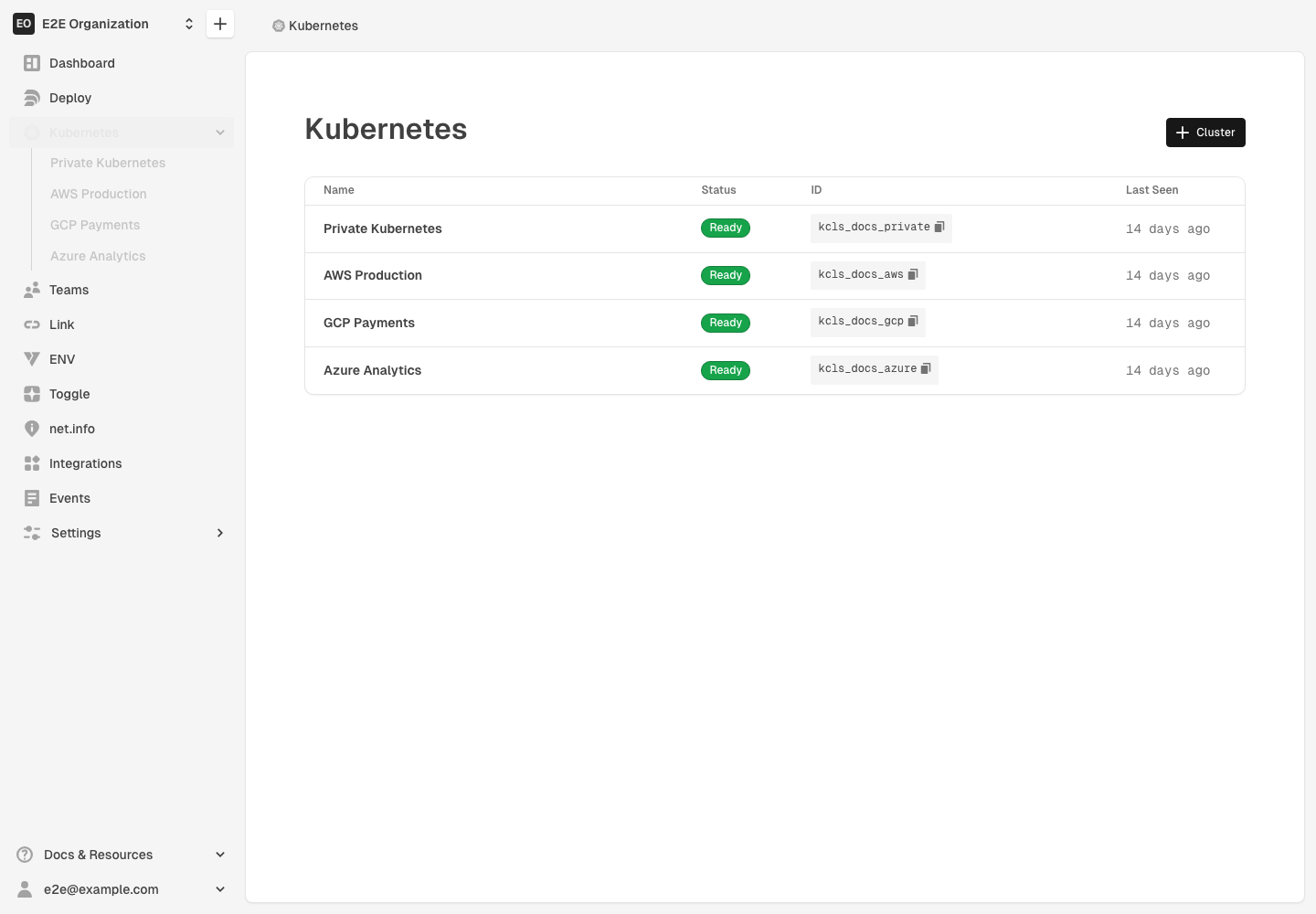
Table of Contents
Cluster Providers
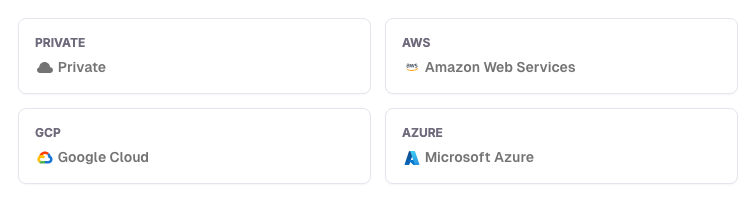
Hyphen identifies the cloud provider for each registered cluster when that information is available. Provider badges appear on the cluster detail page, including Private, Amazon Web Services, Google Cloud, and Microsoft Azure clusters.
Guides
- Add a Kubernetes Cluster
- Inventory Snapshots
- Kubernetes Optimizer
- Kubernetes Resource Cleanup
- Cleanup Policies
- Remove a Cluster
For how Agent scans clusters for stale resources, presents cleanup candidates, and handles approvals, see Kubernetes Resource Cleanup in the Agent section.
Requirements
Kubernetes management requires:
- A Hyphen organization with Kubernetes access enabled.
- Permission to manage organization Kubernetes clusters.
- Access to run
kubectlagainst the cluster you want to register. - Network access from the Horizon pod to Hyphen.
Inventory and cleanup features require the Horizon pod to be installed and connected. Until the cluster reports inventory, Hyphen can show the cluster record but cannot render the inventory graph.