
Add a Kubernetes cluster by installing the Horizon pod in the cluster. Horizon registers the cluster with your Hyphen organization and reports inventory back to Hyphen.
Table of Contents
Start Registration
From your organization:
- Open Kubernetes.
- Click Add Kubernetes Cluster.
- Enter an optional cluster name.
- Click Next.
If you leave the cluster name blank, Horizon sends a generated name when the cluster connects.
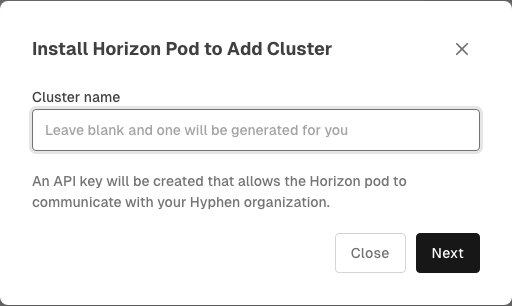
Install Horizon
Hyphen creates an API key for Horizon and generates a kubectl command. Copy and run the command against the cluster you want to add.
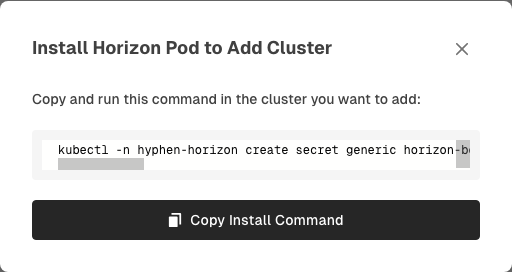
The command creates a bootstrap secret in the hyphen-horizon namespace and applies the Horizon manifest. After Horizon starts and connects, the cluster appears in the Kubernetes list.
Things to Know
- The generated command includes a one-time visible API key secret. Treat the command as sensitive.
- Run the command against the Kubernetes context for the cluster you want Hyphen to manage. You need sufficient permissions, such as cluster-admin, to create namespaces, secrets, and deployments.
- A cluster may take a few minutes to appear after Horizon is installed.
- Inventory appears after the cluster reports its first snapshot.