
Changelog
Project environments now have clearer roles and a simpler deployment model.
You can now assign a type to each project environment and map exactly one deployment policy to each environment. Deployment policies are now environment-specific, replacing the previous model where a single policy could target multiple environments.
Keeping your infrastructure tidy shouldn’t require a weekly calendar reminder. We’re introducing Automated Deployment Resource Cleanup, a new Hyphen Agent capability that detects and safely removes unused or stale cloud resources created during deployments.
Over time, environments accumulate:
- Orphaned containers
- Unused load balancers
- Detached volumes
- Expired preview environments
- Outdated build artifacts
Today we’re introducing the first of many Hyphen Agent capabilities: automated stale feature flag detection and removal.
Feature flags are powerful — but over time, unused and long-running flags accumulate, adding technical debt and increase release risk. Hyphen Agent analyzes flag activity and identifies flags with no recent usage or unchanged return values over a 90-day period.
Added clearer messaging for failed payment and subscription cancellation emails.
The Hyphen Python SDK is now feature complete and stable, providing full programmatic access to:
- Toggle – evaluate feature toggles with targeting
- NetInfo – look up IP geolocation data
- Link – create branded short URLs and QR codes
pip install hyphen
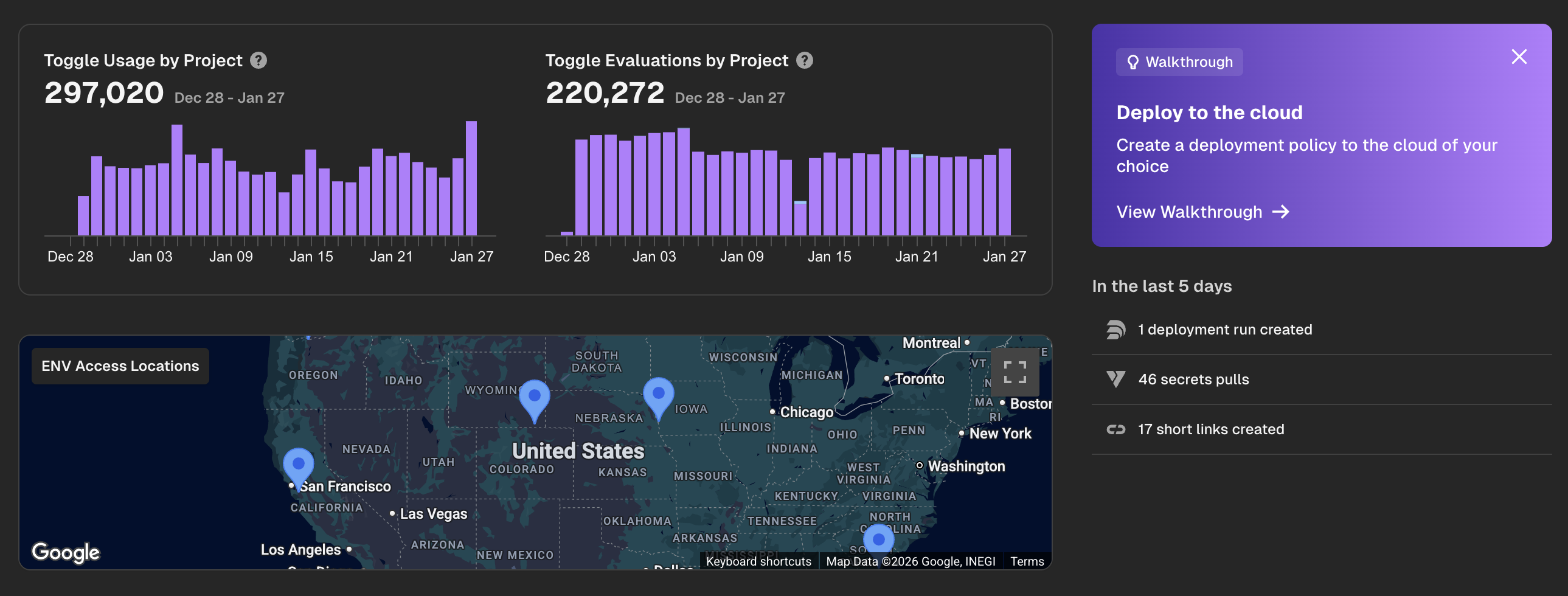
Hyphen Deploy now features seamless restarts and enhanced workflow tracking, making deployments more reliable and observable.
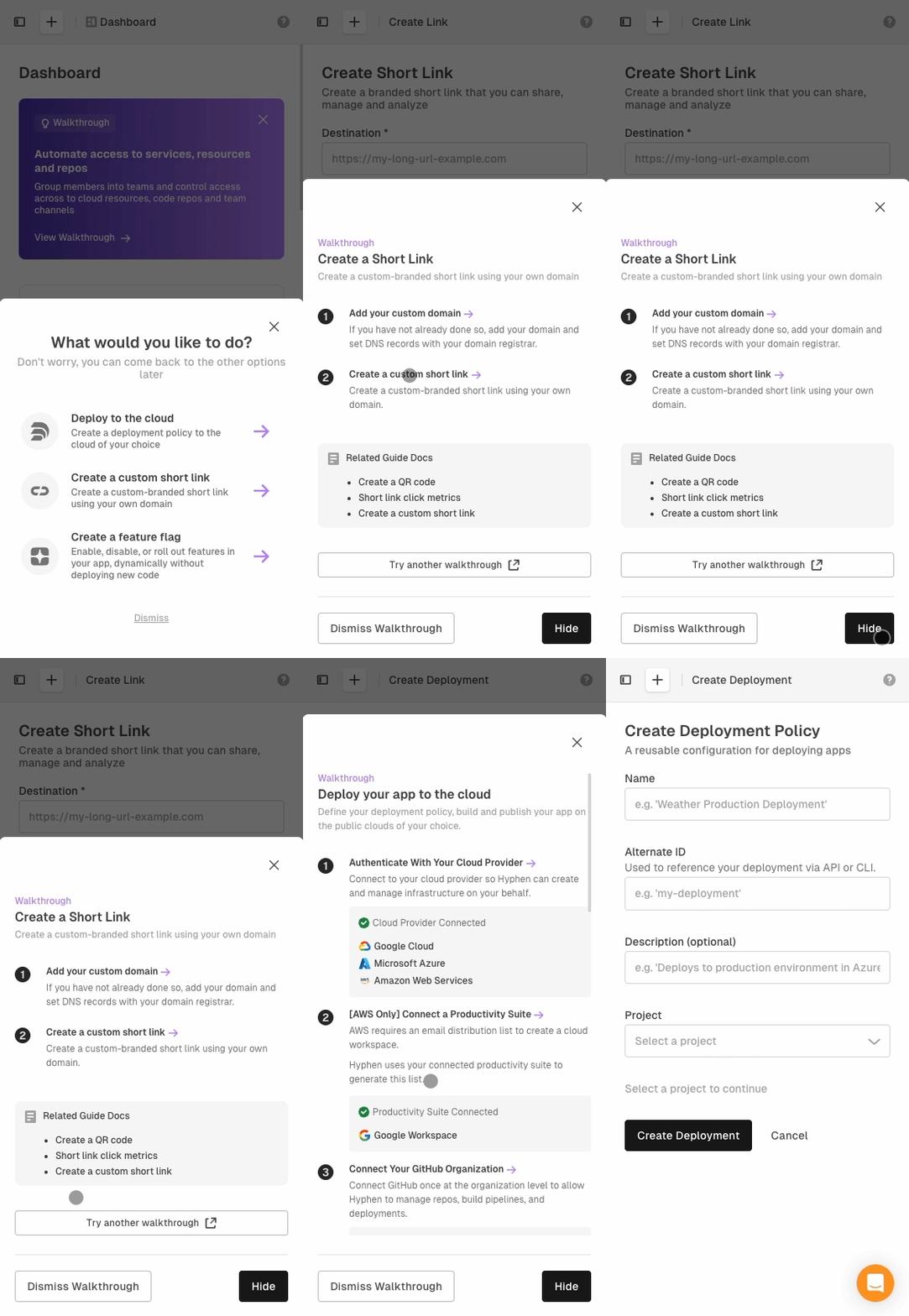
Better walkthrough experience for users on mobile devices. Users are now required to confirm project or app deletion by entering its name.
The React SDK no longer depends on the browser SDK, improving SSR compatibility. Added CommonJS support to the React SDK to avoid requiring Next.js package transpilation.
Big updates / fixes with our CLI today.
Every December we focus on bug fixes and improvements to make it easier for our customers to get things done! This week released the following:
The react sdk for using Toggle is now v1.0.0 and available for download: https://www.npmjs.com/package/@hyphen/react-sdk
Installation
npm install @hyphen/react-sdk
Higher-Order Component (HOC) Pattern
import { withToggleProvider } from '@hyphen/react-sdk';
import App from './App';
Deploy uses messaging between your cloud provider and Hx (CLI) or Hyphen App to update you on how your deployment is going. With this latest update we have added better socket support for that messaging to make it more resilient. :magic_wand:

Hyphen Deploy has been updated with two more stabilization features to make building to cloud even more resilient:
- We now have built in more socket streaming support to make live updating easier.
- Our system now handles when you retry it understands how to re-apply the naming of systems.