
Changelog
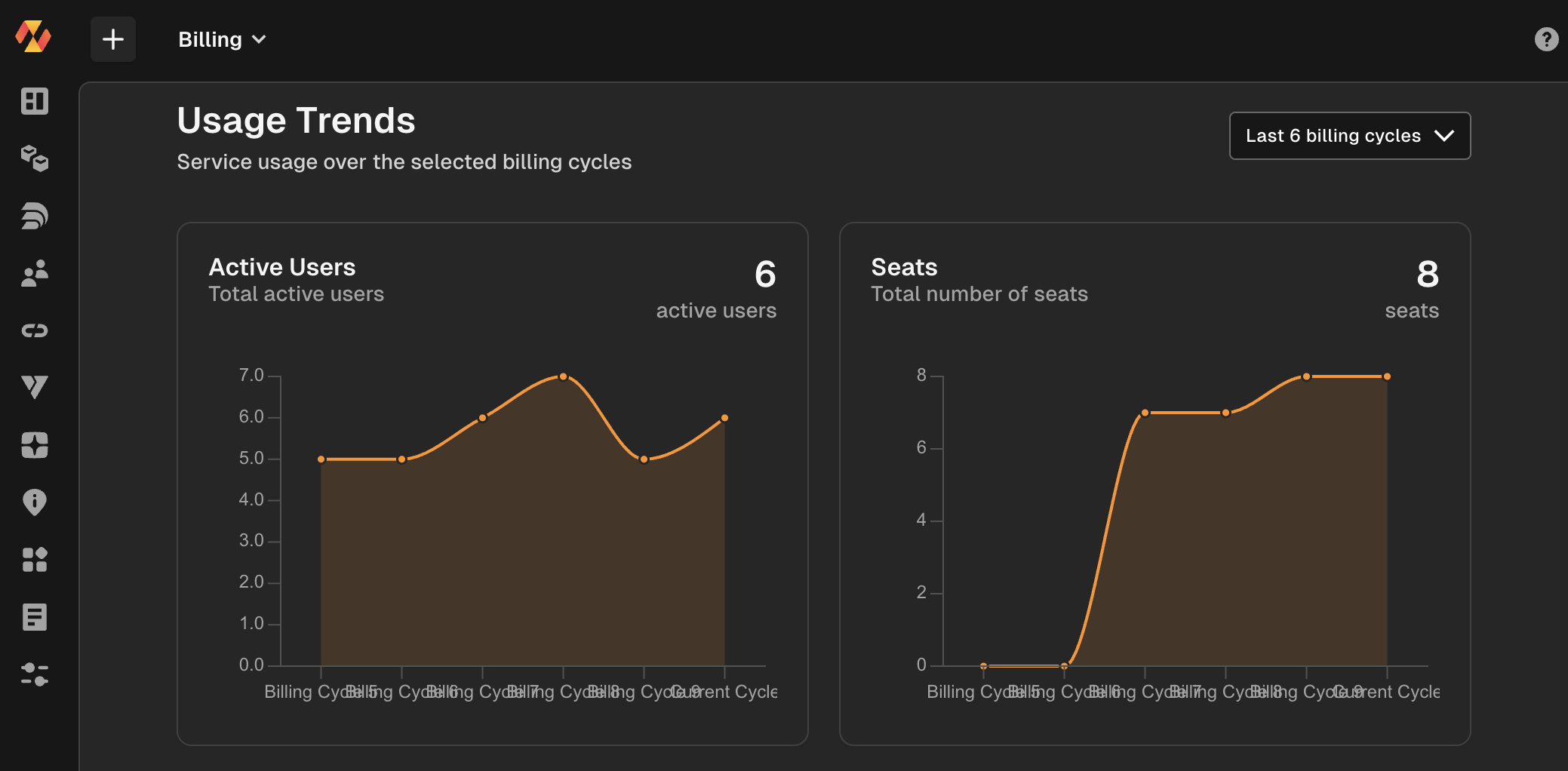
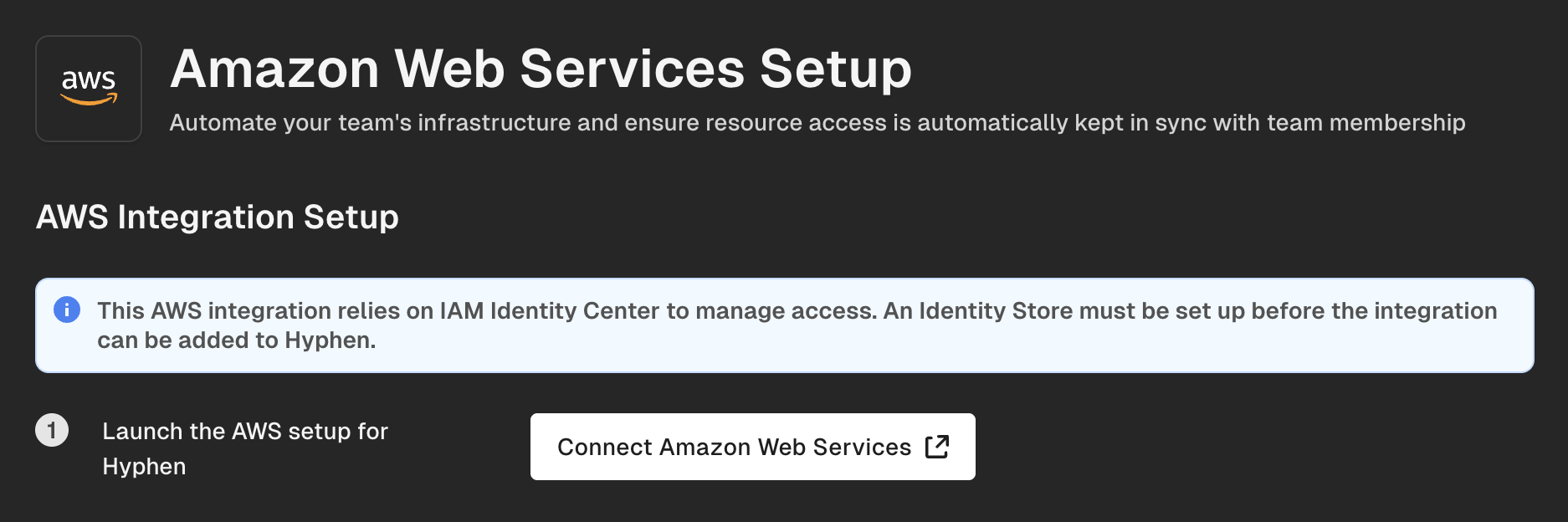
We now support cleaning up any unused resources in AWS when using Hyphen Deploy! 🚀 Simply go to integrations from Hyphen AI and click "Connect to Amazon Web Services".
Yes, cleanup is that easy.
Our Nodejs SDK has been released with better Toggle capabilities and enhanced caching!
Breaking Changes (v2.0) ⚠️ The Toggle API has been simplified in v2.0. Please review the changes below:
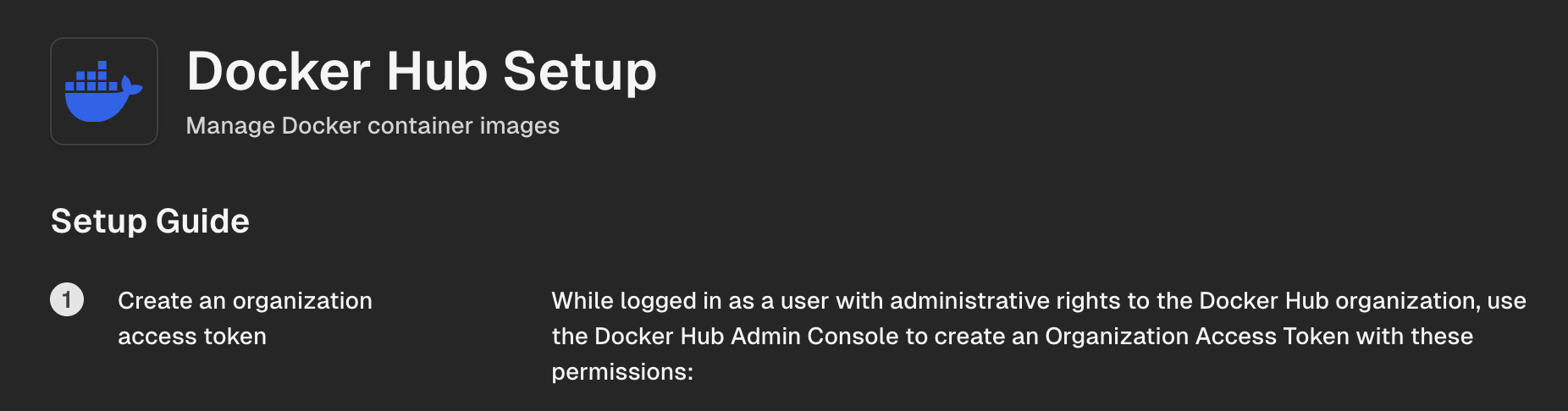
We now provide a javascript framework for frameworks such as react, svelte, and more. This new sdk is now downloadable from the web. You can read more about it here: https://www.jsdelivr.com/package/npm/@hyphen/browser-sdk
Here is an example on how it works:
import { Toggle } from '@hyphen/browser-sdk';
We have released a number of fixes today:
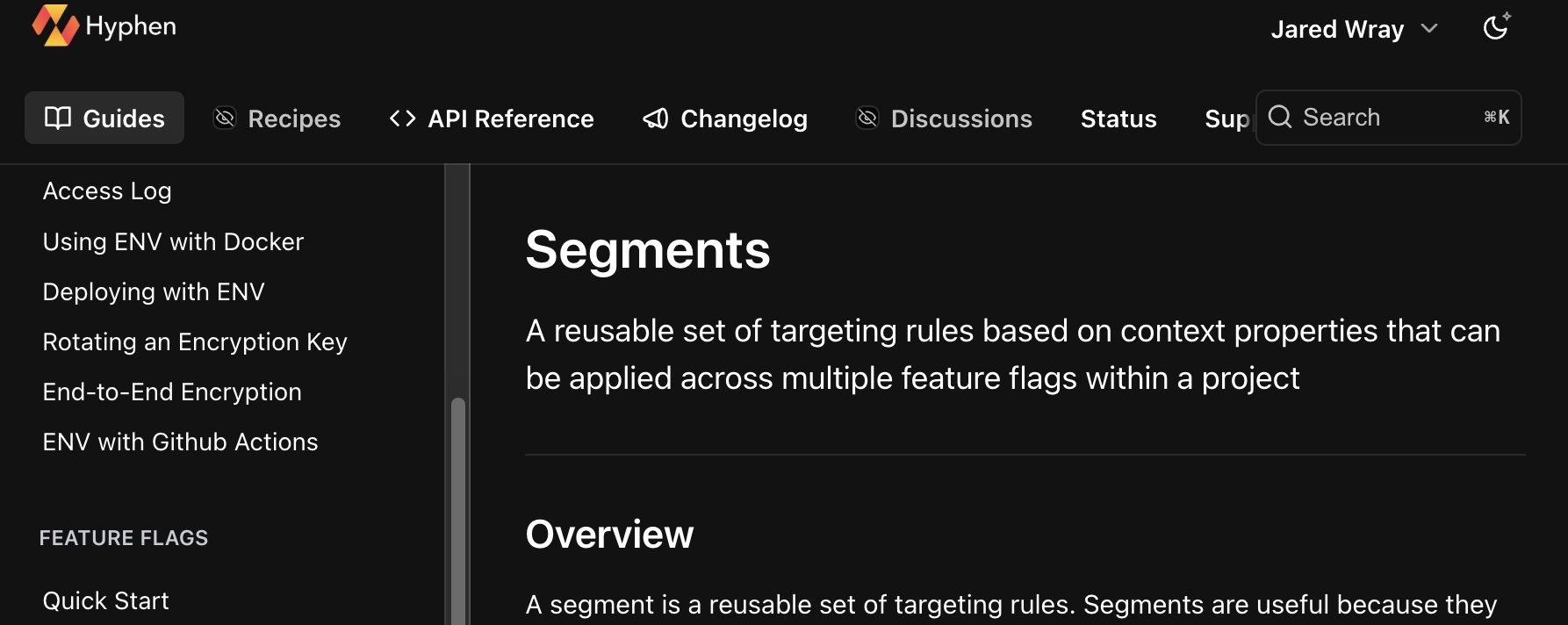
New segments documentation is live here: Segments
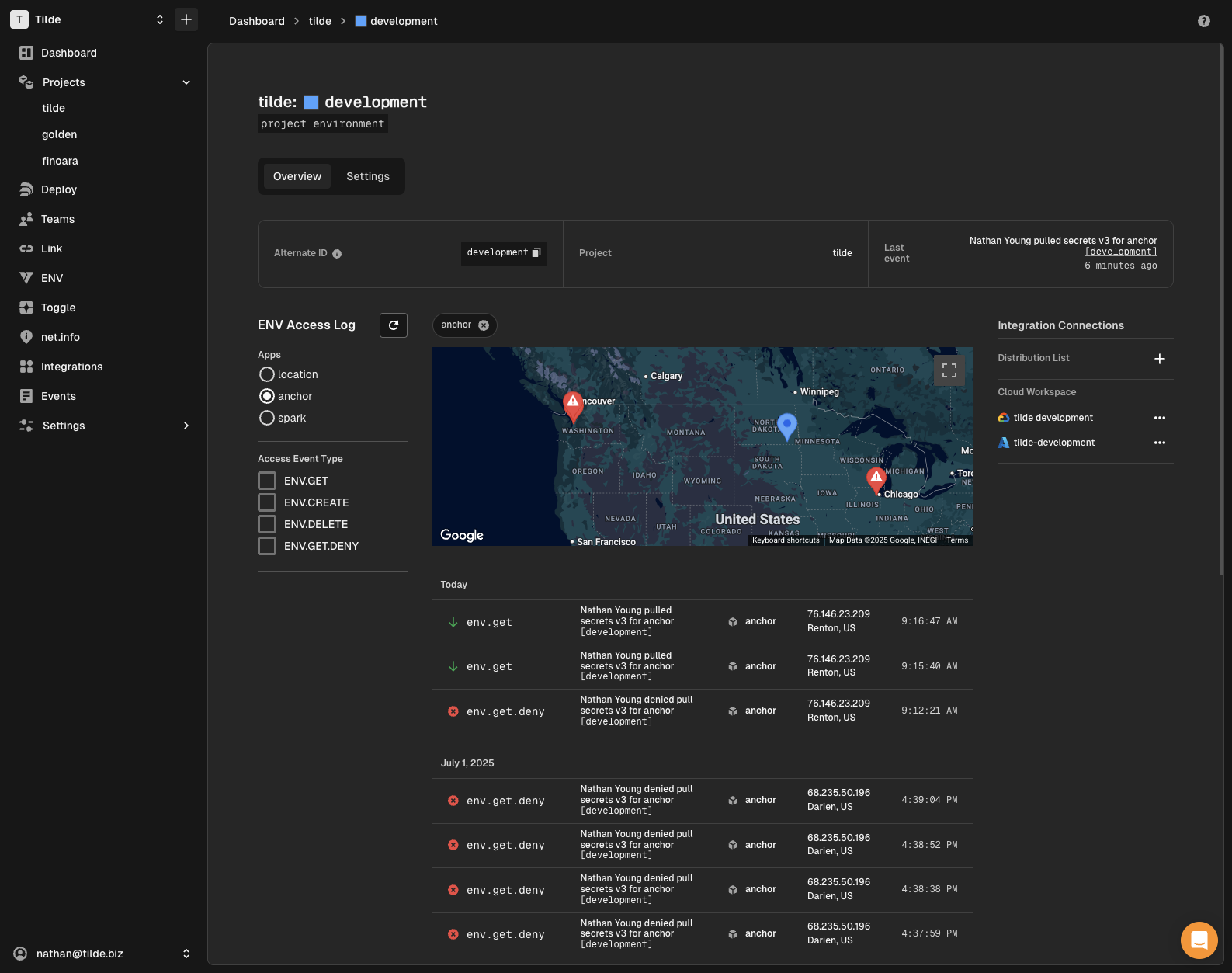
View ENV access events for a project environment, filtering by project or event type
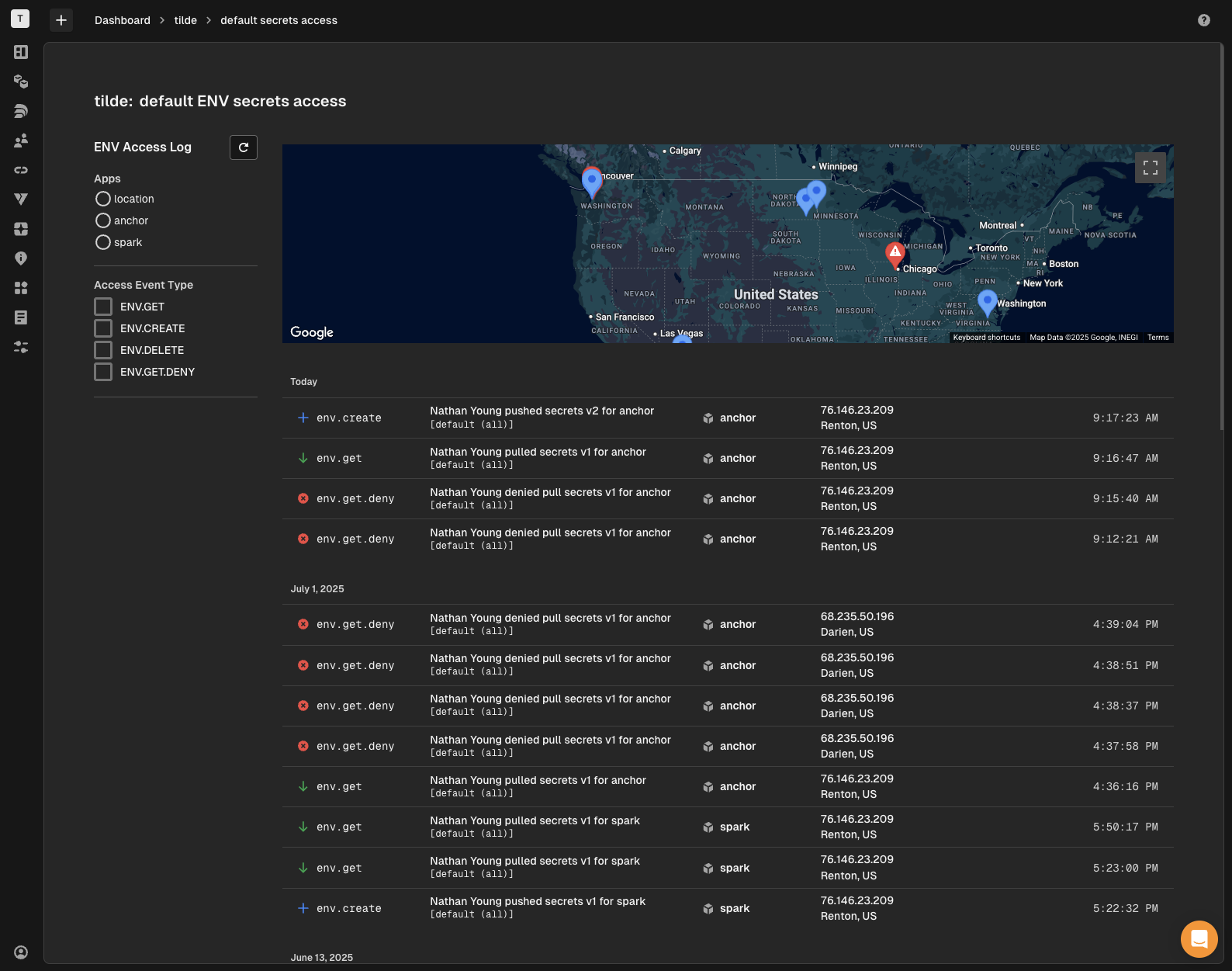
view ENV access events for default secrets, filtering by project or event type
You can create a QR code via the SDK from a short code easily:
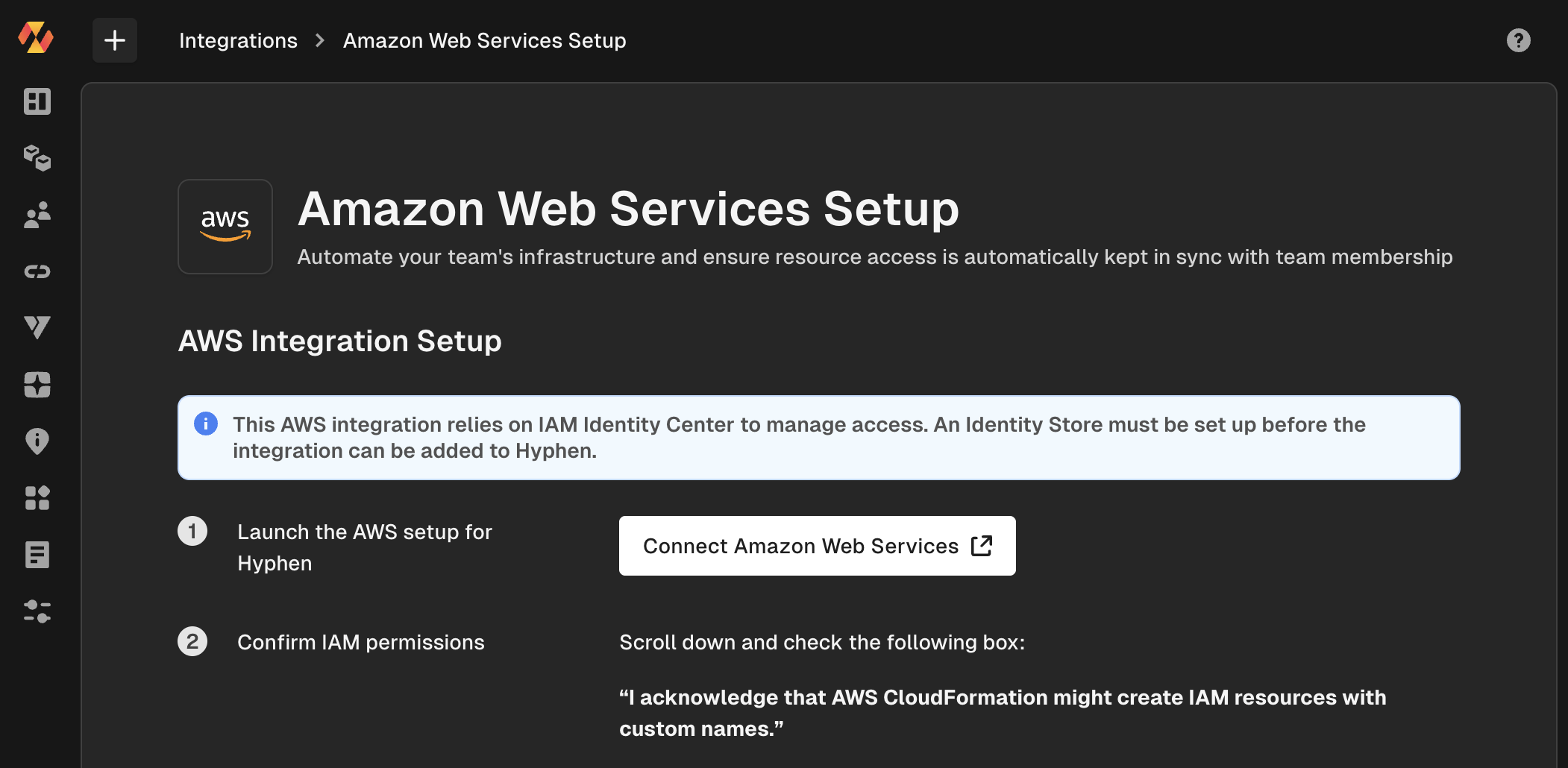
We have now reduced the steps down dramatically so that you can get your connection to AWS setup in minutes!
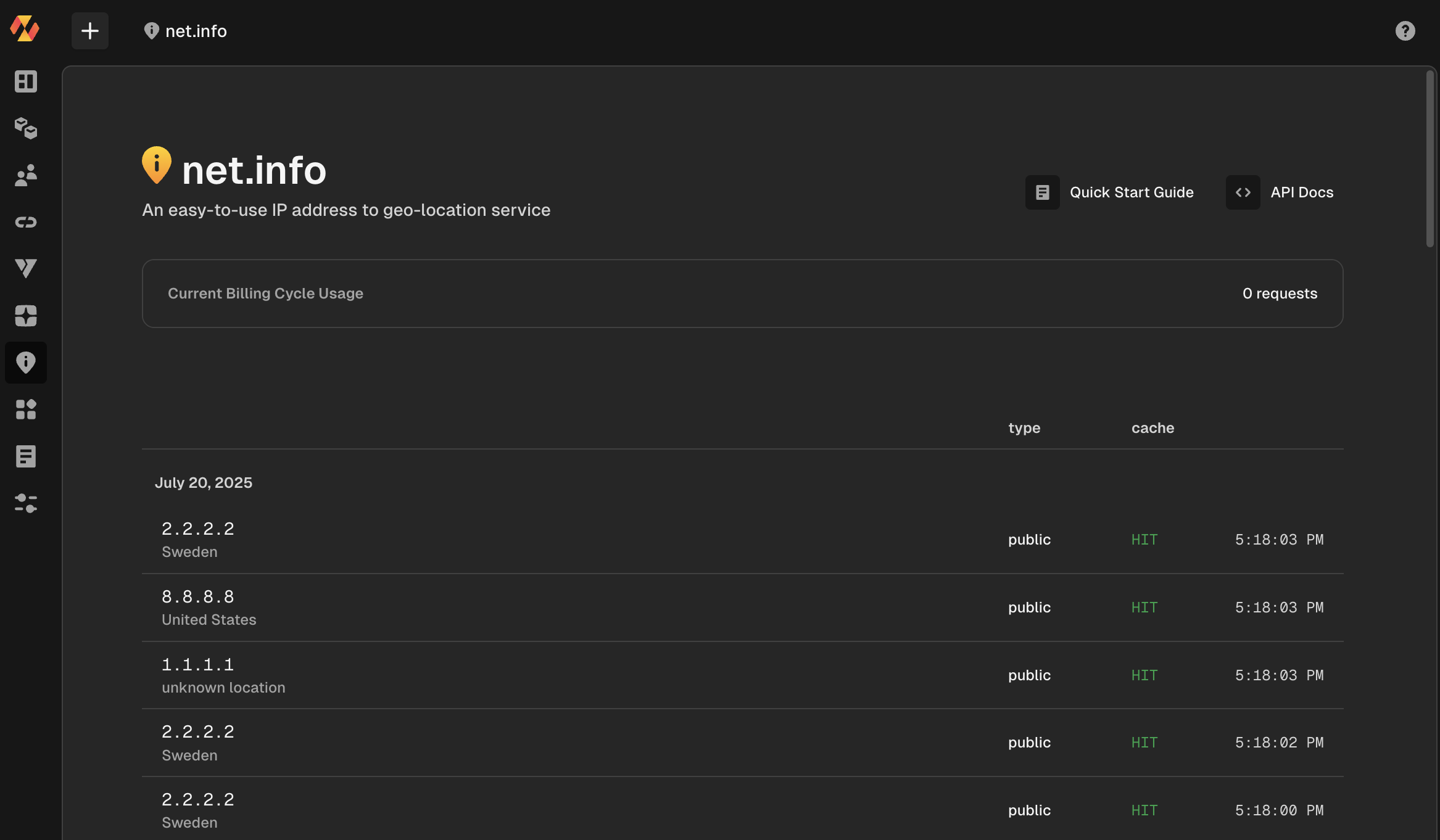
In the Hyphen App, you can now look at your events on net.info and keep on scrolling. Just making it a bit easier for all of us...
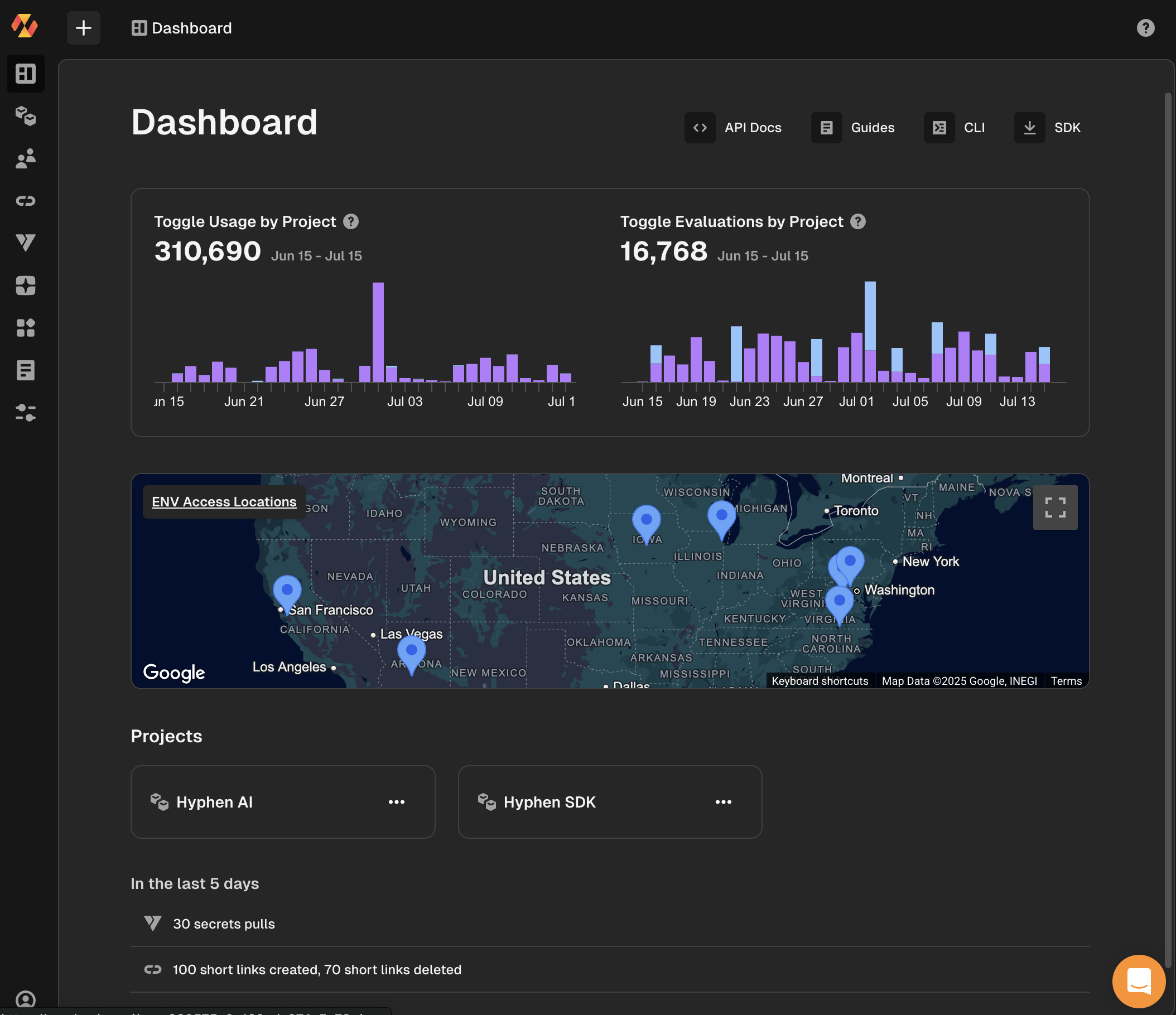
There are some amazing updates to make it easier to use:
Our Node.js SDK @hyphen/sdk has been updated with the ability to generate short codes via Link . Here is how easy it is:
import { Hyphen } from '@hyphen/sdk';

const hyphen = new Hyphen({
	apiKey: 'your_api_key',
});
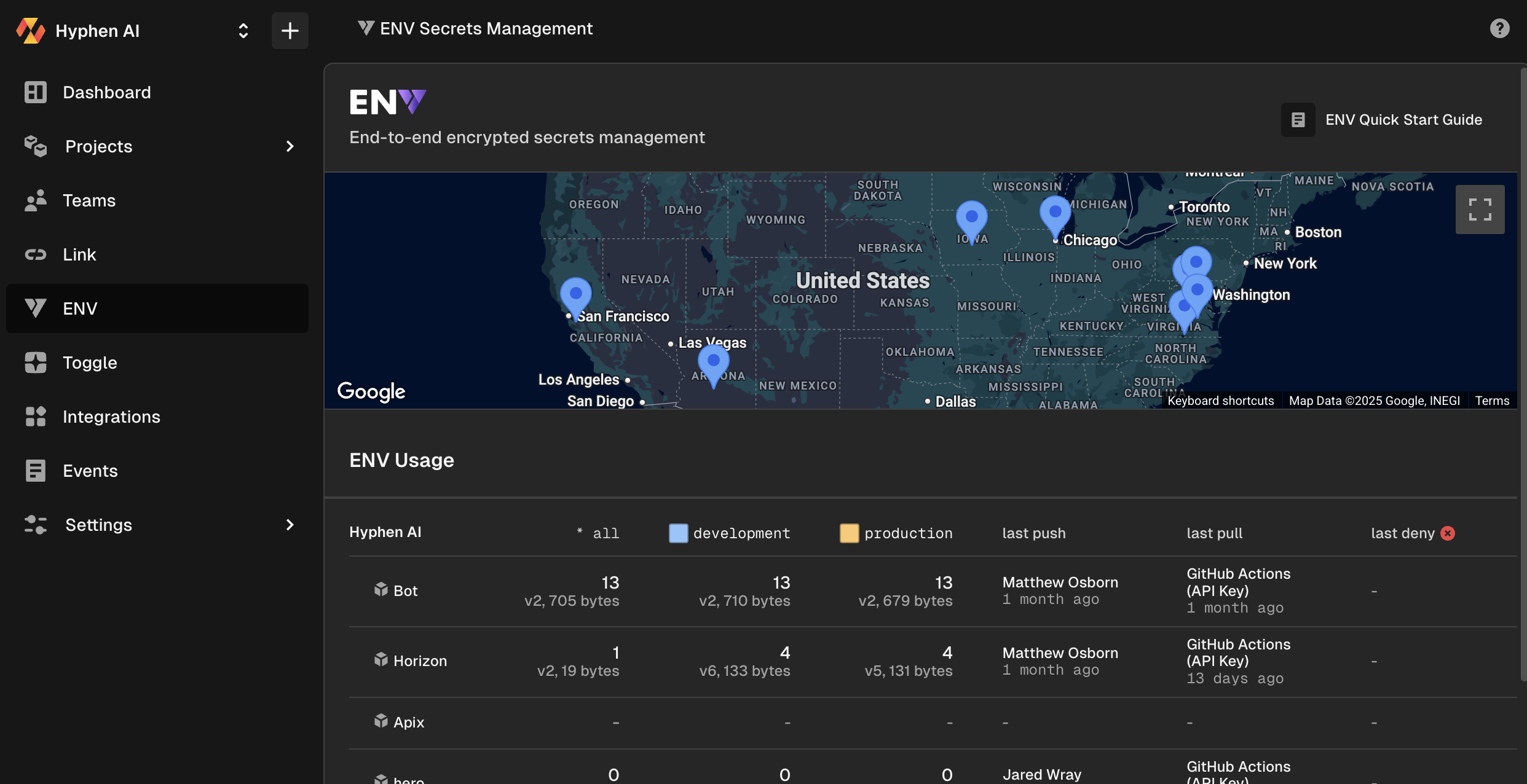
Now you can log into Hyphen and see where your secrets are being accessed!
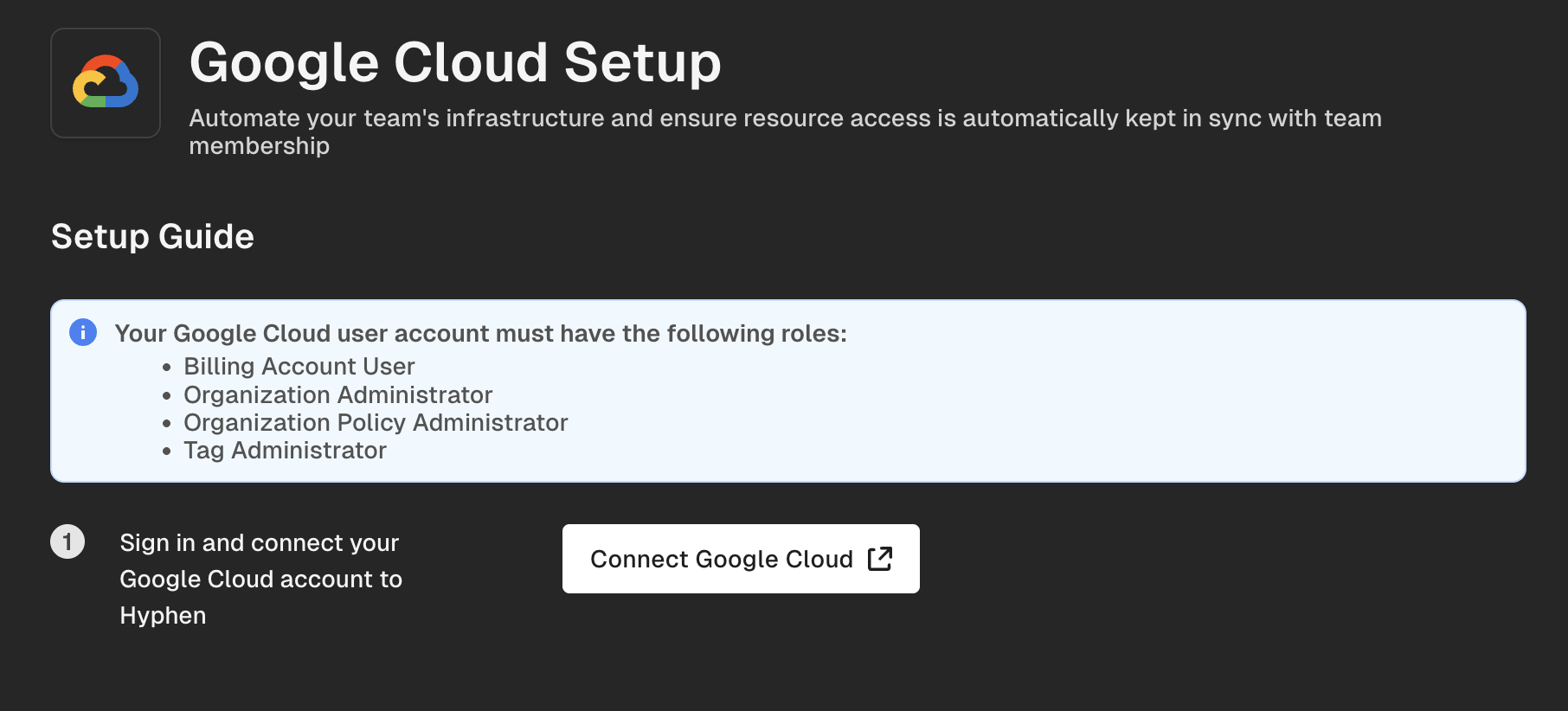
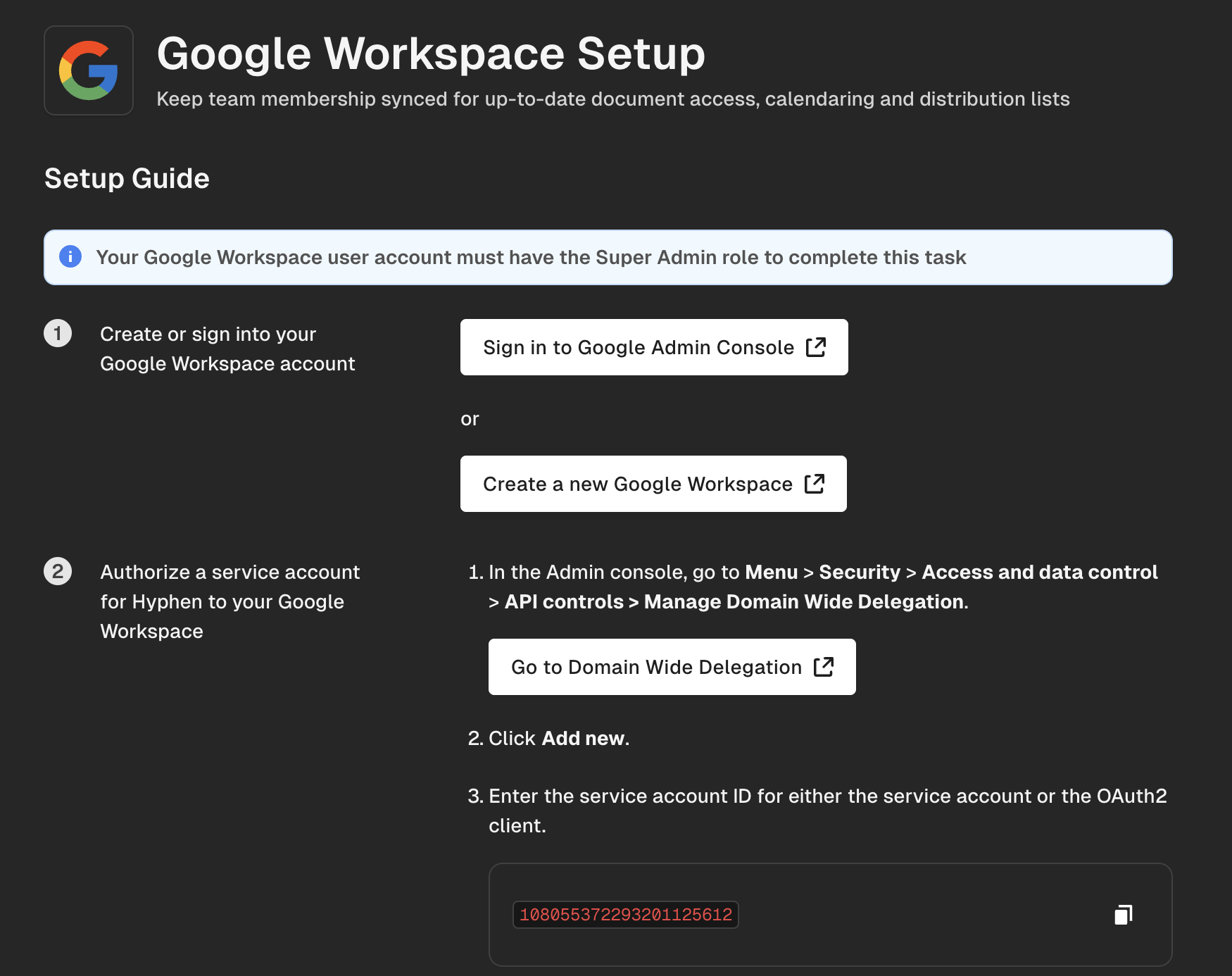
We added in some more error handling and also the access permissions you need to complete the task.
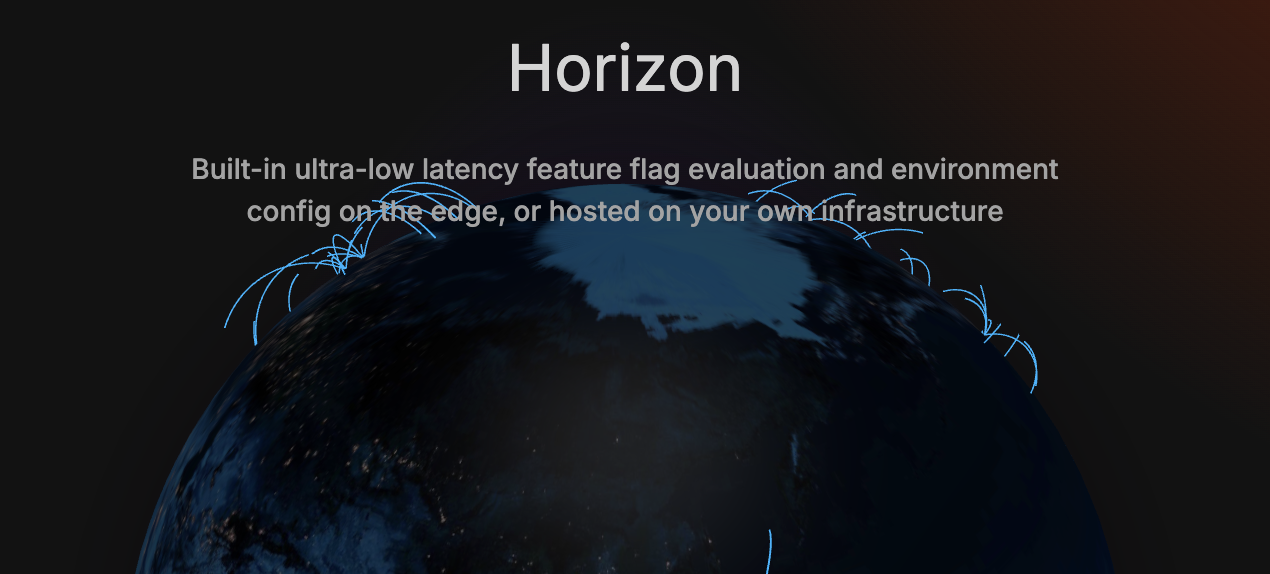
Horizon is what we run at the edge of our global network to enable high availability and uptime for accessing Toggle evaluations at scale. Now with self hosting you can build more resiliency and performance by adding Horizon to your local clusters. That means that your local horizon instances are your primary lookup for Toggles and we become the secondary layer.
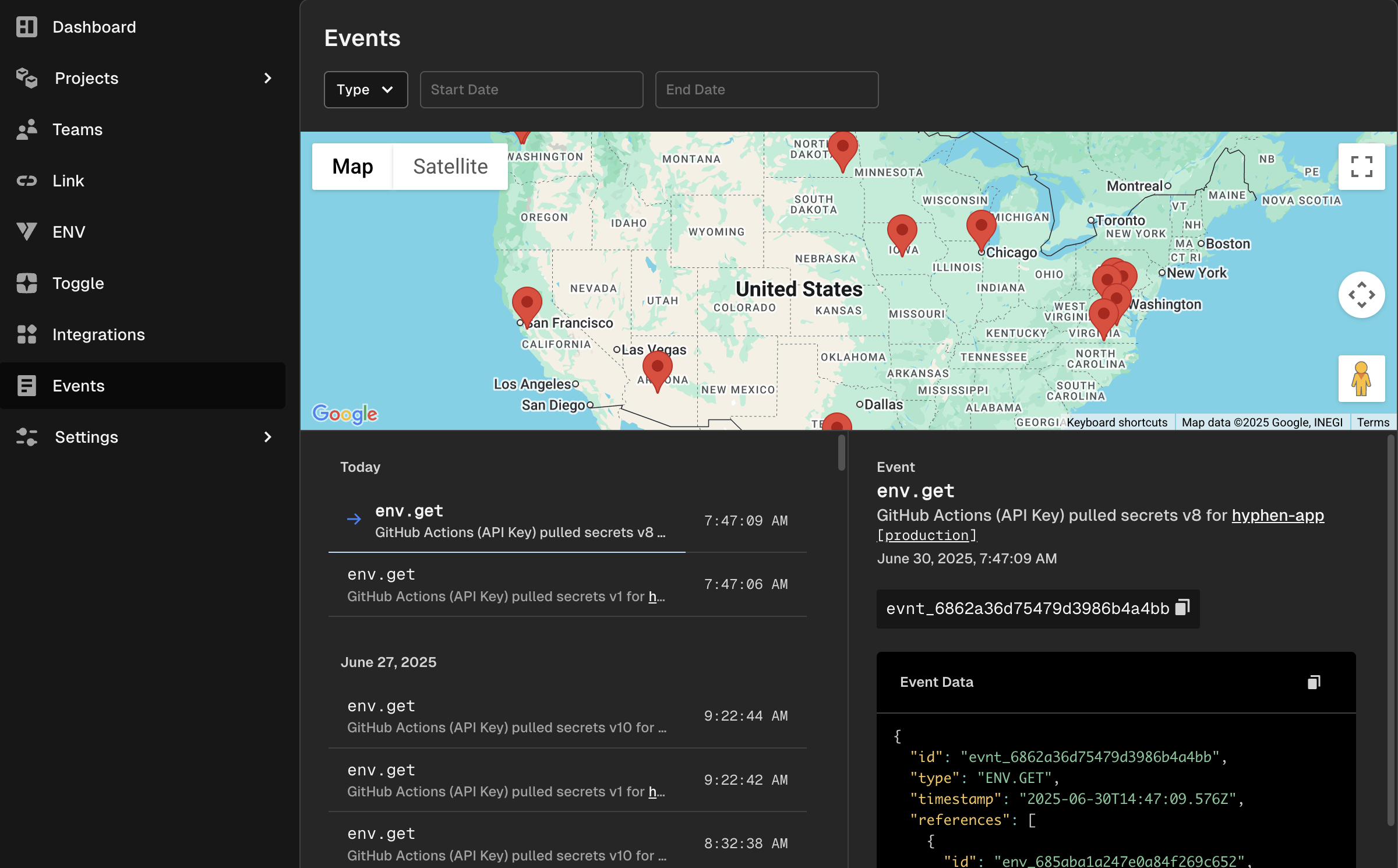
The new events view shows you where the event took place and also the details in an easy to read view 💥