
Chat with the Hyphen Agent from Your Terminal
addedThe Hyphen CLI now enables you to talk to the Hyphen Agent directly from your terminal. Run hx from your project directory, and ask "Which deployments failed this week?" The agent has all the same capabilities as using the web interface, but inside the terminal.
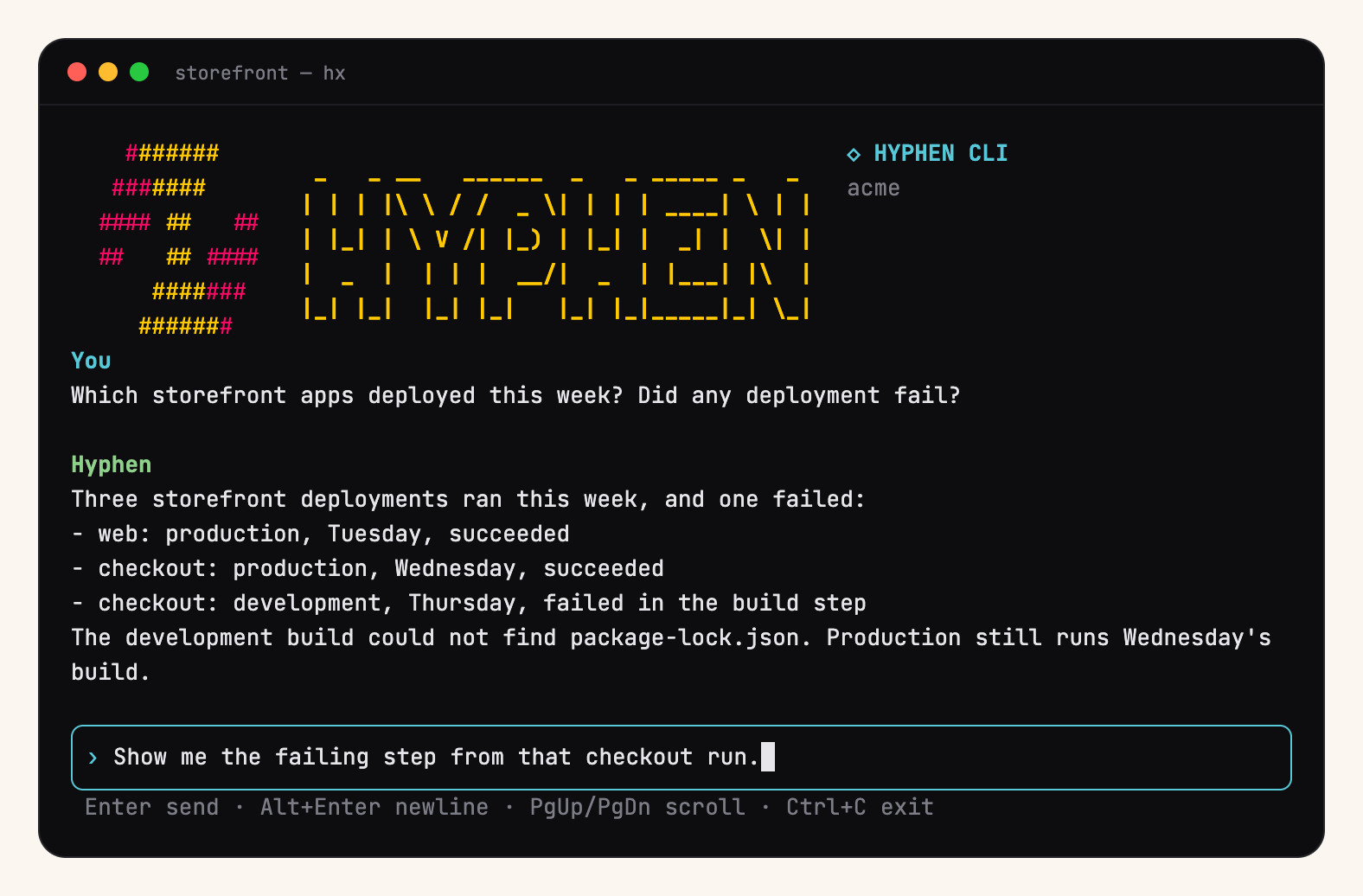
Hyphen saves each conversation to your member account in the active organization. Open your chat history in the Hyphen web app to read it again after you close the terminal.
Your existing slash commands still work in chat. Type / to see the list, or enter /app list --table to list the apps in your project. The command runs locally and its output stays in your terminal.
If the agent asks for approval, select an option and press Enter to confirm. Use /new to start a separate conversation.
Install the CLI
macOS or Linux
curl -fsSL https://cdn.hyphen.ai/install/install.sh | sh
Windows (PowerShell)
irm https://cdn.hyphen.ai/install/install.ps1 | iex
Run hx update to upgrade an existing installation. See more about the CLI or follow the CLI guide to learn more.